
Description
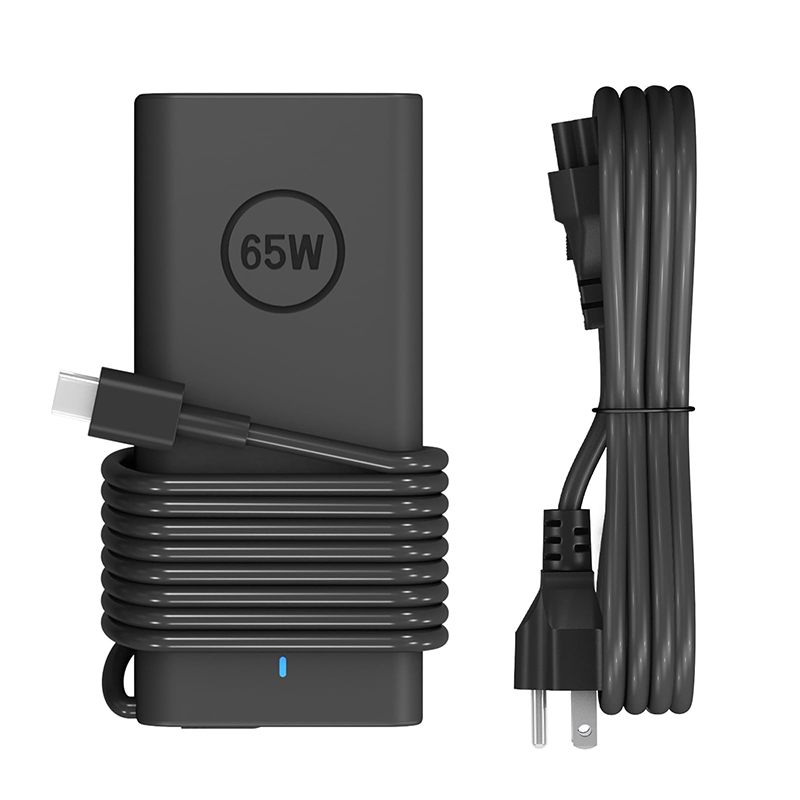
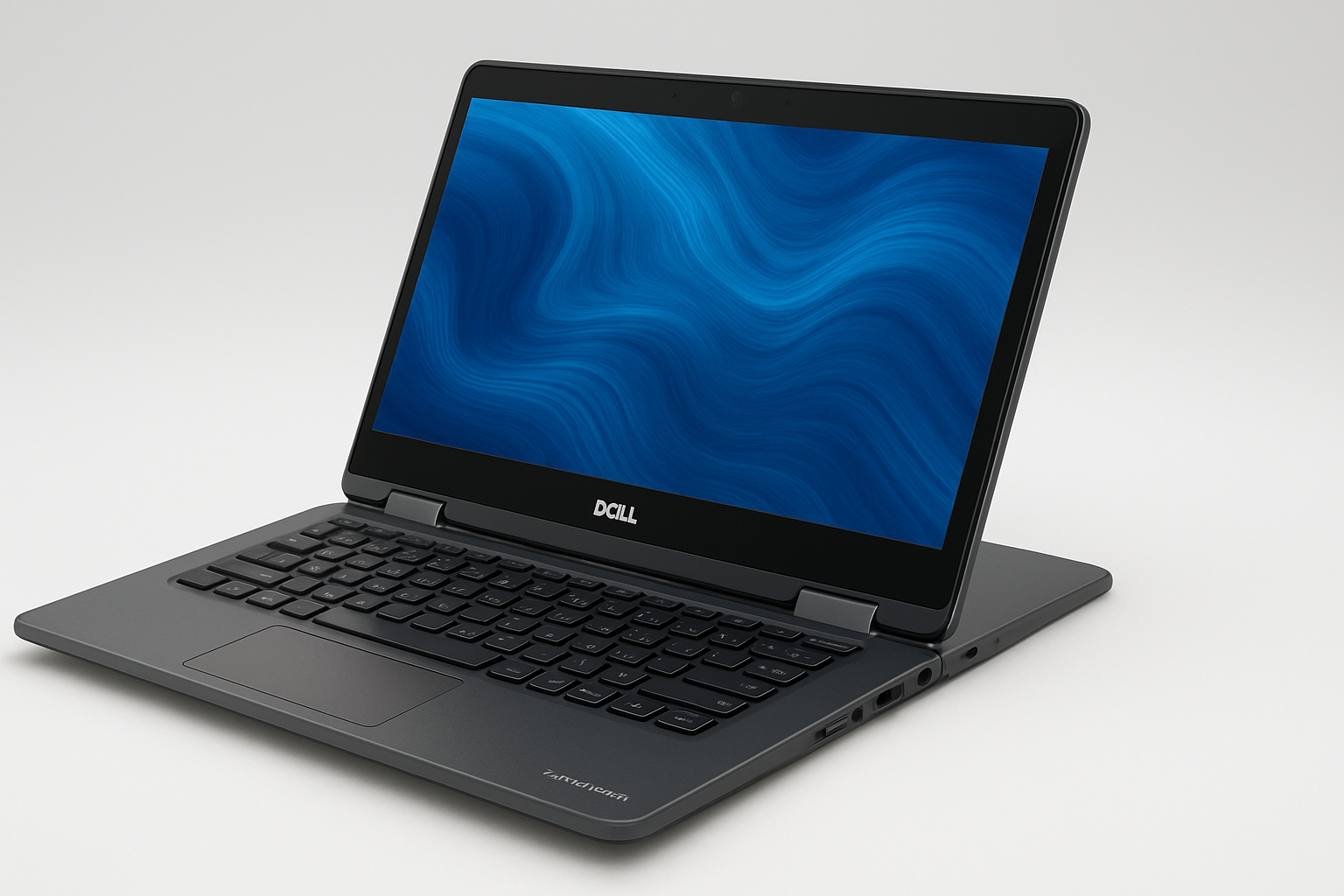
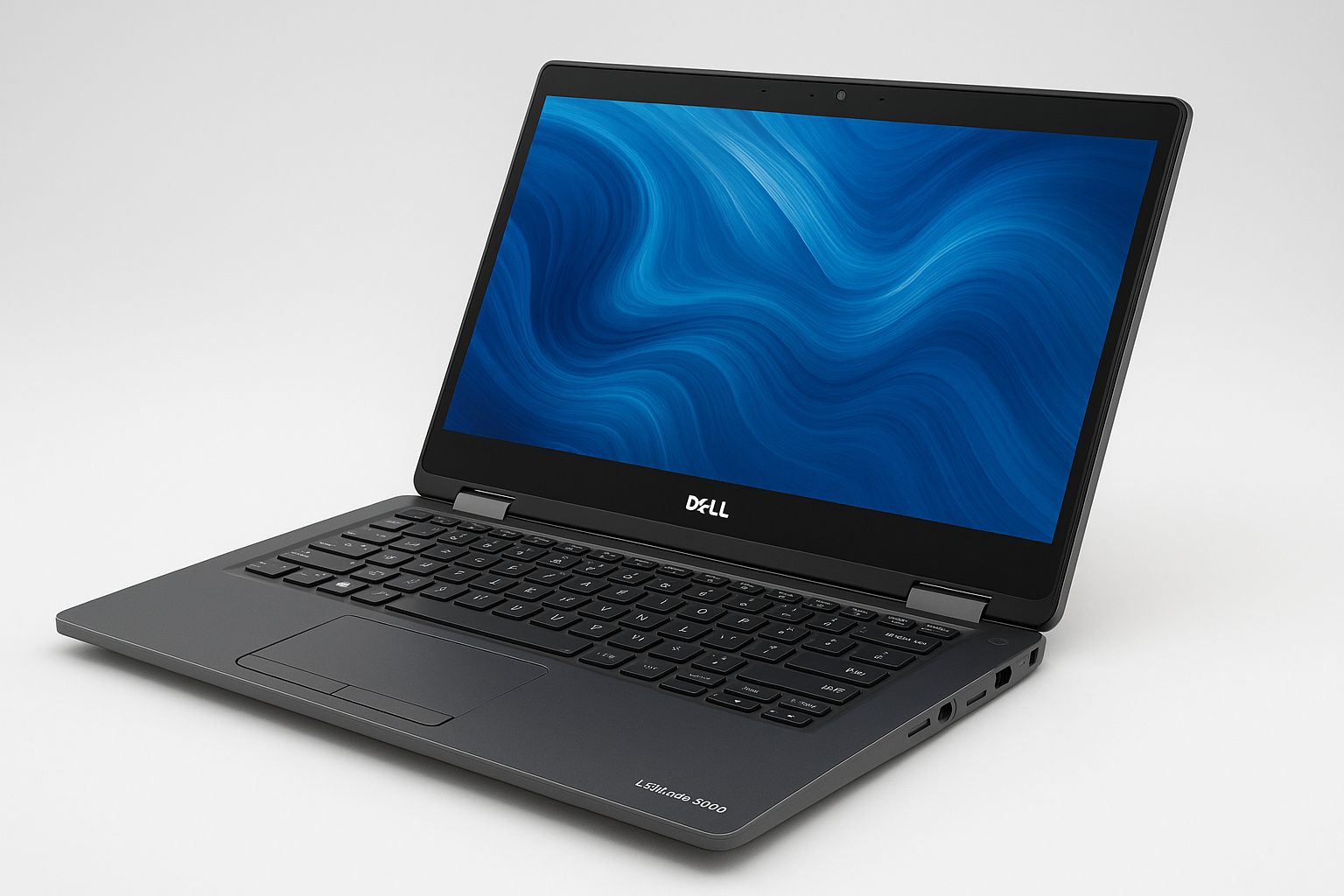
65W/45W Laptop Charger USB-C for Dell Latitude 5420, 5520, 5320, 5430, 5290, 7410, and 7420 is a premium-quality power adapter designed to deliver efficient, reliable, and safe charging for a wide range of Dell Latitude series laptops. Built with precision and high-grade materials, this Type-C AC adapter ensures stable power delivery, extended durability, and compatibility with both older and newer Dell models that support USB-C charging technology.
This charger features a universal USB Type-C connector, which provides fast and consistent power output for quick charging and optimal device performance. With intelligent power management, it automatically adjusts between 45W and 65W, depending on your laptop’s requirements, protecting the device from overvoltage, overheating, and short circuits.
The sleek and compact design makes it highly portable and convenient for business professionals, students, and travelers who need a reliable charging solution on the go. Its lightweight build ensures it fits easily into your laptop bag without adding extra bulk. The long, durable cable allows flexibility and comfort during use, whether in an office, classroom, or home environment.
Built to meet Dell’s safety and performance standards, this adapter uses high-efficiency components to reduce energy waste and prevent electrical noise. It provides a consistent power supply that enhances battery longevity and overall laptop performance. The charger is also backward-compatible with other USB-C devices, including tablets, smartphones, and accessories, making it a versatile addition to your tech setup.
Key Features:
-
Power Output: 45W / 65W automatic power delivery
-
Connector Type: USB-C (Type-C)
-
Input Voltage: 100–240V AC, 50/60Hz (worldwide compatible)
-
Output Voltage: 5V/9V/15V/20V (auto-regulated)
-
Safety Protection: Overvoltage, Overcurrent, Short Circuit, and Overheat protection
-
Cable Length: Approximately 1.5–1.8 meters
-
Build Quality: Durable, heat-resistant plastic housing
-
Design: Compact, lightweight, and easy to carry
-
Compatibility: Dell Latitude models 5420, 5520, 5320, 5430, 5290, 7410, 7420, and other USB-C laptops
Included in the Package:
-
1 × 65W/45W USB-C Laptop Charger
-
1 × AC Power Cord
Ideal For:
-
Office professionals working with Dell Latitude laptops
-
Students needing a dependable charger for school or remote learning
-
Travelers who require a compact and efficient adapter
-
Users looking for a safe and universal USB-C power solution
This Dell-compatible USB-C AC adapter combines smart charging, durable build quality, and multi-device compatibility — making it a dependable choice for keeping your laptop powered efficiently and safely anywhere you go.
Would you like me to include price and shipping details for this charger to Kigali, Rwanda as well?
You said:
ChatGPT said:
Here’s a detailed description of the charger you mentioned — the “65 W / 45 W USB-C Laptop Charger for Dell Latitude 5420, 5520, 5320, 5430, 5290, 7410, 7420 / Type-C AC Adapter” — covering what it does, how it works, what to check, and how it fits your system. If you like, I can also pull up actual product listings and current pricing for Kigali / Rwanda.
What it is
This is a USB-C Power Delivery (PD) adapter made for certain Dell Latitude laptops (and compatible models) that support charging via USB-C. The idea is you plug it into the wall (from 100-240 V AC) and then into the laptop’s USB-C port. The adapter supports around 45 W to 65 W of output power, which is typical for light/medium‐duty laptops rather than high-performance gaming rigs.
Key features & specifications
Here are typical specs and features you’d expect:
-
Connector type: USB-C (Type-C) to laptop.
-
Output power: ~65 W max (and possibly adjustable/auto down to ~45 W depending on laptop load).
-
Voltage/Current: Often supports USB-C PD standard voltages (for example 5V/9V/15V/20V) at the corresponding current to reach the wattage. For example one listing mentions 5/9/15/20 V output. cdw.com+2dell.com+2
-
Input: 100-240 V AC, 50/60 Hz (universal wall input) so usable worldwide.
-
Compatible models: The listing you referenced mentions Latitude 5420, 5520, 5430, 5290, 7410, 7420 etc. ottersprings.com
-
Safety/quality features: Over-voltage protection, over-current protection, short-circuit protection, thermal protection (heat resistance). For example, one spec sheet says the 65 W adapter supports 0 °C to 40 °C ambient, high humidity etc. cdw.com
-
Build: Usually a “brick” style AC adapter with a detachable AC power cord and a USB-C cable to the laptop; compact enough for travel.
How it works with your laptop
-
If your Dell Latitude model supports USB-C charging (which many newer ones do), then this charger will allow you to plug into the USB-C port instead of the traditional barrel Jack or proprietary connector.
-
A user forum and spec discussion mention that for USB-C charging to work reliably, the charger has to supply enough wattage. One comment: “If you wish to use and charge at the same time you will need a 65 W (or above) USB-C charger…” for a Dell laptop. dell.com
-
Dell’s spec sheet shows that their “65W USB-C Adapter” supports a wide range of voltages and is clearly described as compatible with “USB-C enabled devices”. cdw.com
-
However, some Dell laptops do not support charging via the USB-C port (even if they have a USB-C connector). One forum example: the Latitude 7480 does not charge via USB-C. dell.com
-
So: Before using this charger you should check that your exact model (with its specific configuration) supports charging over USB-C.
What “45 W / 65 W” means
-
The mention of 45 W / 65 W means the charger can supply up to ~65 W, but under some conditions (e.g., lighter load, laptop asleep/idle) it might only draw ~45 W from the adapter or be rated for that lower power.
-
If the laptop is doing intensive work (CPU/GPU load) while charging, it may need more than what a 45 W charger can supply — you might see slower charging or the laptop drawing from both the charger and battery. One forum discussion said: if you use a charger with too low wattage, the laptop may warn or may not charge properly. Reddit+1
-
In practice: If your laptop originally shipped with, say, a 65 W adapter, using a 45 W version might still work, but may result in slower charging and possibly reduced performance when under load.
Compatibility & things to check
Here are important things to verify before purchasing:
-
USB-C Port and PD support: Ensure your laptop model truly supports USB-C charging and Power Delivery. Just having a USB-C port isn’t enough. Dell’s community docs warn that not all USB-C ports are for charging. dell.com+1
-
Wattage requirement: Check what adapter wattage your laptop requires. If it needs 65 W (or higher) and you give it only 45 W, you’ll likely get slower charge or degrade performance.
-
Cable quality: Use a good USB-C cable rated for the required current and wattage. Poor cables can limit power delivery or be unsafe. (USB-C spec warns of cable issues) Wikipedia
-
Connector type & voltage match: The adapter should output correct voltages (e.g., up to 20 V) for your laptop’s needs. Some laptops require higher voltages/amperages. One forum said Dell uses PD 3.0 with max 20 V for some models. dell.com
-
Original vs third-party: If it’s a third-party (non-Dell OEM) adapter, make sure it has good reviews, proper safety certifications, and clearly states compatibility with your model.
-
Heat and operating environment: Ensure the adapter is used in a well-ventilated place, not covered, and in proper ambient temperature/humidity.
Use-case & benefits
-
Portability: A USB-C charger is more compact and lighter than older large barrel-plug bricks. Great for travel or carrying in a bag.
-
Versatility: Because many devices now use USB-C with PD (tablets, phones, laptops), you may be able to share one charger across multiple devices (though you must check wattage).
-
Future-proofing: As USB-C charging becomes more common, having a USB-C capable charger means you’re ready for future devices.
-
Simplicity: Fewer cables, one connector type, less “which adapter for which laptop” confusion.
Potential limitations
-
If the laptop is under heavy load (gaming, rendering, large external monitors) while charging, a 65 W charger might be barely enough — some high-performance laptops may need 90W or more.
-
If the original charger supplied a higher wattage than 65 W, you might see slowed performance/charge.
-
If your laptop doesn’t support USB-C charging, this won’t work; you’ll need the correct barrel-plug or proprietary Dell adapter.
-
Quality matters: cheap low-quality adapters may risk overheating, voltage instability, or compatibility issues.
Bottom line
If your laptop (one of the listed Latitude models) does support USB-C charging, then a 45-65 W USB-C adapter is a solid choice: portable, flexible, and convenient. Just ensure it meets the wattage and specification your laptop expects. If you’re doing typical productivity tasks (office apps, web, light load) a 65 W charger will likely serve you well. If you anticipate heavy graphics/compute loads, double-check the laptop’s original power supply requirement.

Reviews
There are no reviews yet.