
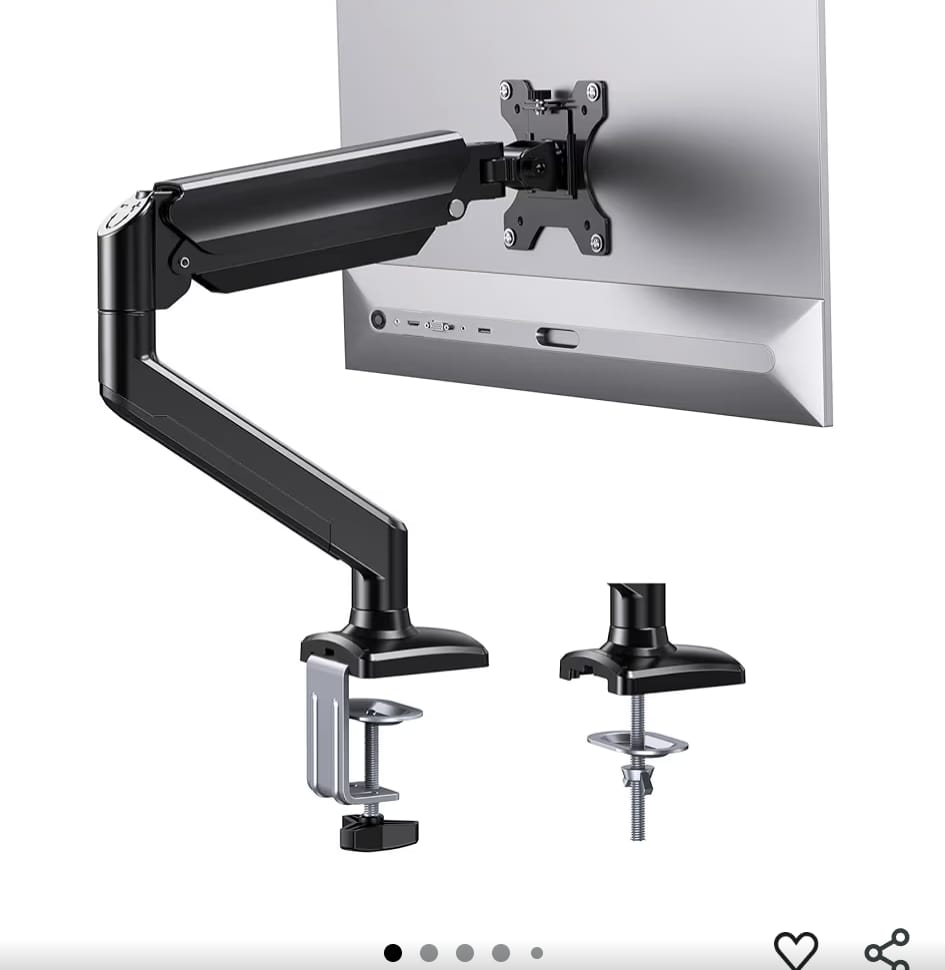
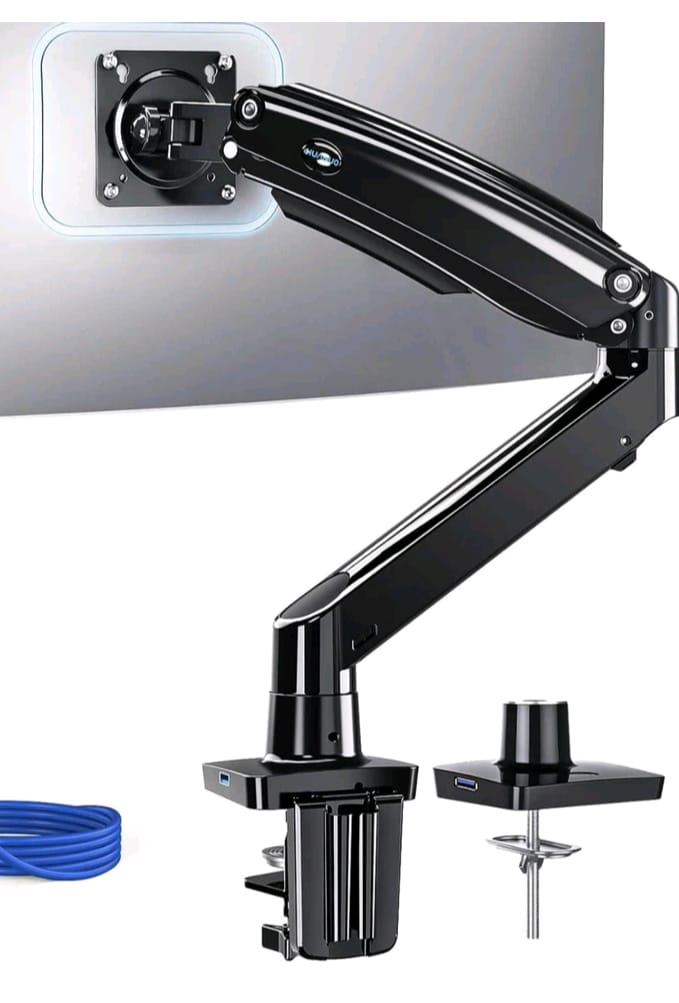
Description
This is a single-monitor desk mount arm designed to hold one computer monitor and allow full articulation and ergonomic positioning. Key phrases: gas spring, single monitor, clamp or grommet mounting base, metal construction, black finish, VESA mounting holes of 75 × 75 mm and 100 × 100 mm (i.e., the standard monitor-mount hole patterns) as indicated. Alibaba+1
Key features & specifications
From the available information (especially the Alibaba listing) we can pull out the following:
| Feature | Detail |
|---|---|
| Brand / Maker | ZhongQu (manufacturer: Ningbo Zhongqu Hardware Products Co., Ltd., from Zhejiang, China) Alibaba |
| Mounting hole pattern (VESA) | Supports 75 × 75 mm and 100 × 100 mm hole patterns. noon.com+1 |
| Tilt capability | Up to 90° tilt (one spec says maximum tilt angle 90 degrees) Alibaba |
| Mounting base options | Accepts both clamp mount (clamped onto the edge of a desk) and grommet mount (through-desk hole mount) options. noon.com+1 |
| Material & finish | Metal construction, finished in black colour. Alibaba |
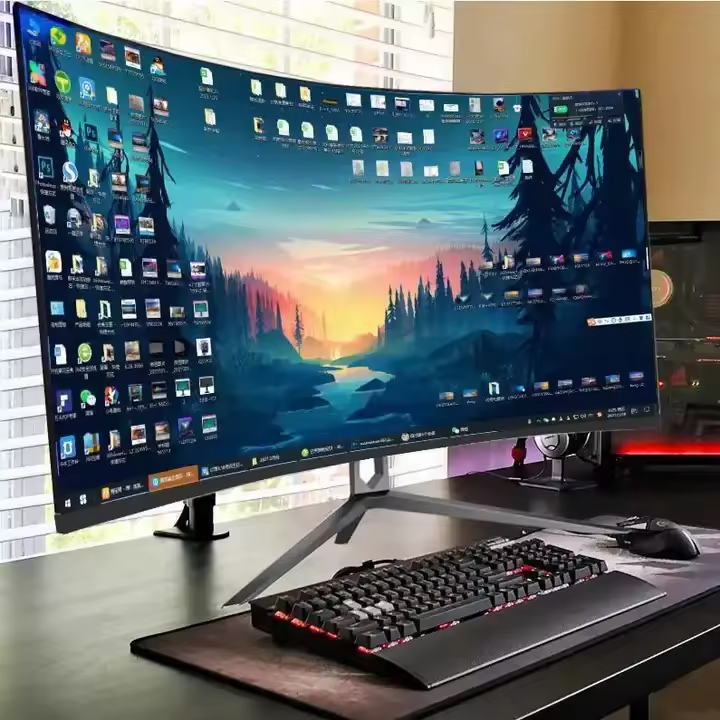
| Screen compatibility | From listings: designed for flat or curved LCD/LED monitors, typical size ranges 17″–34″ in similar arms; weight limits vary. For example one listing: up to 26.4 lbs (≈12 kg) for 17-34″ screens. noon.com |
| Package / other size‐details | One listing: package size ~40 × 20 × 9.5 cm, gross weight ~2.35 kg. Alibaba |
Why this is useful / what benefits it gives
-
Ergonomic flexibility: You can raise or lower your monitor, tilt it, rotate it, and likely adjust depth (since a gas-spring arm gives smooth movement). This helps your neck/eyes if you spend a lot of time at the screen.
-
Desk space optimization: By mounting the monitor on an arm rather than a fixed stand, you free up valuable desk surface underneath/behind.
-
Clean cable management: Many arms of this type include routing clips—or at least permit cables to run along the arm—giving a tidier setup.
-
Improved viewing positions: The 90° tilt allows the screen to flip (for example portrait orientation) or tilt for different postures.
-
Flexibility in mounting: The clamp/grommet dual‐mounting means you can fit a variety of desks (edge clamp) or ones with holes (grommet).
-
Universal fit: With support for 75/100 mm VESA, most monitors on the market (especially 17″–34″) will mount without issues.
Considerations and caveats
-
Weight limit: While the exact model may not list the weight limit explicitly, comparable arms list up to ~26.4 lbs (≈12 kg) for that size range. If your monitor is larger (ultrawide 34″+, curved heavy models) you’ll need to check that the arm supports that weight. The listing referenced supports 17–34″ and up to 26.4 lbs. noon.com
-
Desk / edge thickness: If using the clamp mount option, check that your desk edge thickness falls within what the clamp supports. If using the grommet mount, check hole size / desk thickness.
-
Range of motion / clearance: Make sure the arm’s movement (reach, height adjustment, tilt/pivot) suits your monitor size & desk location, especially if many cables or multiple screens are involved.
-
Build quality and finish: The manufacturer is a Chinese OEM; depending on region you may want to check user reviews for durability (especially of the gas-spring mechanism over time).
-
Installation: Ensure you have proper tools; the package likely includes hardware but may require you to align VESA holes, choose mount base, tighten gas tension, etc. The listing notes it’s “private mold” (i.e., manufacturer’s unique design) so small quirks may differ from big-brand mounts. Alibaba
-
Tilt/rotation limits: While 90° tilt is listed, other axes (swivel, rotate landscape/portrait) may or may not be fully specified for this exact model—if you need full 360° rotate or ±180° swivel, check detailed specs.
-
Cable management / accessories: Check whether the arm includes cable clips, desk-lip protection for the clamp, and whether the grommet base plate has a cover for aesthetic finish.
-
Compatibility with curved monitors: While many arms claim support for curved monitors, you should check how the monitor’s shape affects VESA alignment and arm stability, especially if heavy or wide.
-
Ergonomics & sit-stand: If you have a height adjustable desk (sit/stand desk), consider whether the arm’s vertical travel range suits your tallest/lowered positions.
Use-case and suitability
If you’re setting up one monitor (17″-34″ size) on your desk and want a clean, flexible, ergonomic mounting solution, this ZhongQu gas-spring single monitor arm is a strong candidate.
Ideal if you:
-
Want to free up desk space (no big thick base stand)
-
Want to adjust screen height/tilt routinely (for reading, writing, sitting/standing)
-
Have a desk edge or grommet hole mount option
-
Use the monitor for long sessions and care about ergonomics (neck/back/eye comfort)
It may be less ideal if you:
-
Use very large monitors (>34-38″ or >12-15 kg) and need heavy-duty support
-
Have limited space behind/above the desk (arm reach may be constrained)
-
Want full dual monitors or more than one monitor on that arm (this is a single arm)
-
Want premium brand warranty/support (you might compare to known brands)
Summary
In summary: The ZhongQu Single Monitor Arm Gas Spring Stand is a versatile, adjustable desk mount for one monitor, supporting standard VESA 75/100mm mounting patterns, offering both clamp and grommet mounting, finished in black metal, and capable of tilting up to about 90°. It gives the flexibility needed for ergonomic positioning and space optimization, provided your monitor’s weight/size is within its limits and your desk supports the mounting style. Before purchasing (especially if shipping internationally to Rwanda/Kigali), check local stock, shipping cost/tax, and that the specific listing matches your monitor’s size/weight.
Reviews
There are no reviews yet.