
Description
1. What it is
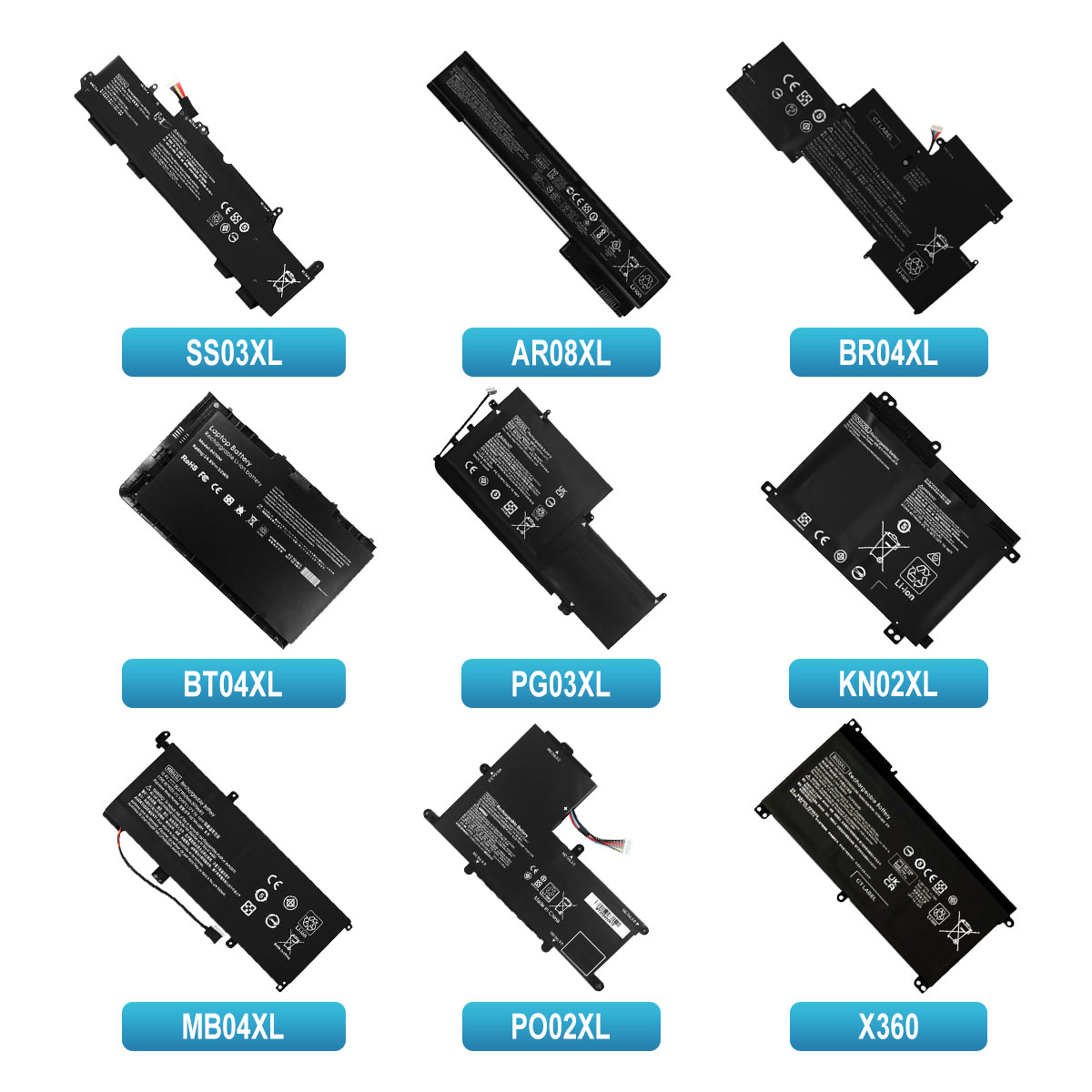
This listing describes a laptop battery intended as a replacement (or possibly OEM-original) for several HP laptop model series. Specifically:
-
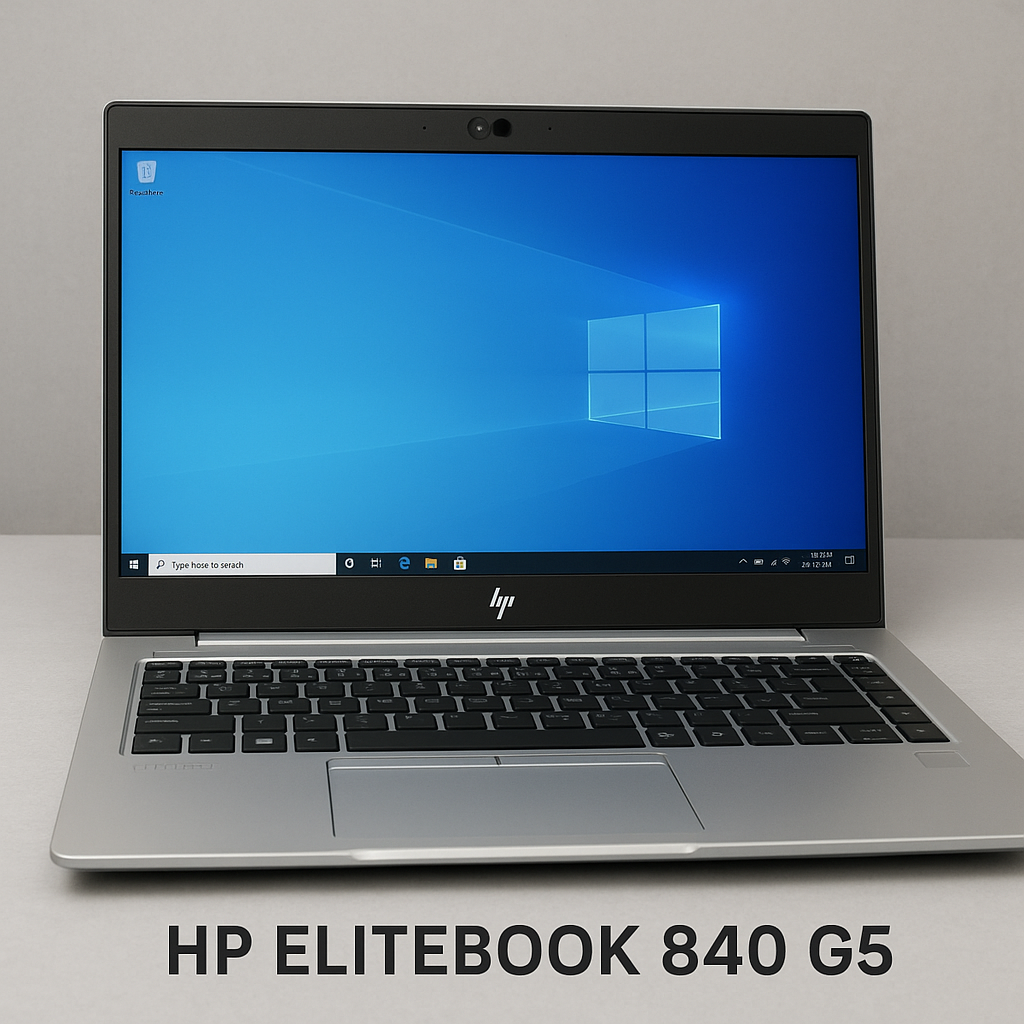
The battery covers HP model lines like EliteBook 745, 820, 840 in generations G1, G2, G3, G5.
-
Also mentions part numbers like HT03XL and HS04 (which correspond to HP replacement battery identifiers)
-
The “Original” keyword suggests it is either an HP OEM battery or a high-quality aftermarket version built to HP’s specifications.
-
It’s in stock (so ready for purchase) and likely compatible with various compatible HP Pavilion / business laptops.
2. Key Specifications & Identifiers
From product listings and documentation we can extract typical specs:
-
Part numbers / alternate codes: HT03XL (often for 3-cell packs ~11.55 V) and HS04 (4-cell pack ~14.6/14.8 V) are cited. For example, a seller lists HT03XL battery: “Number of Cells: 3 Cell; Voltage: 11.55 V; Capacity: 41.9 Wh” in one listing. wmart.co.in+2correriacampinas.com.br+2
-
For HS04: Example spec: “4-Cell Notebook Battery … Voltage:14.8 V … Capacity:2200 mAh” in one listing. htjltd.com+2Alibaba+2
-
Grade of cells: Some listings claim “Grade A cells”, “100% new from manufacturer”, CE/FCC/RoHS certified. wmart.co.in+1
-
Compatibility with many laptop models: Listings show broad compatibility with Pavilion 14-CE, 15-DA, 250 G7, etc. wmart.co.in+1
-
Condition: Listed as “in stock”, “original”, “for models…”, indicating it may be replacement stock ready to ship.
3. Compatibility & Fitment
Important for you: to ensure the battery fits your laptop and works properly.
-
Confirm your exact laptop model (e.g., HP EliteBook 840 G3) and whether its original battery part number corresponds to HT03XL or HS04, or a compatible list.
-
Because HT03XL and HS04 have different voltages/cell counts (3-cell vs 4-cell) you’ll need to match the battery slot and connector in your laptop. A 14.6-14.8 V 4-cell pack may not fit or work correctly in a machine designed for 11.55 V 3-cell.
-
Check physical dimensions and connector alignment: screw locations, battery bay cut-out, latch mechanism. Aftermarket listings sometimes say “fits models … 745, 820, 840 G1/G2/G3/G5”.
-
Ensure that the listing’s part number cross-lists cover your machine. For example, HT03XL is associated with some Pavilion 14/15-series machines such as L11119-855 etc. correriacampinas.com.br+1
-
Since the listing says “Original for HP …” you should ask about warranty, proof of OEM vs aftermarket status, serial number, and testing status (new/unopened vs remanufactured).
4. Benefits & Why You Might Choose It
-
A replacement battery gives your laptop new battery life and mobility if your original battery is degraded (holds little charge, shuts down quickly).
-
If indeed “Original for HP” (or OEM quality), you may get better reliability, fit, safety, and compatibility compared to generic off-brand packs.
-
By specifying models (745/820/840 G1-G5), the listing covers a range of business-class HP laptops, which means one battery stock may serve many machines—good for service/repair use.
-
Listing “in stock” means faster availability; no long wait for custom order.
-
Good chance for better value compared to buying entire laptop if only battery is the failing component.
5. Limitations & Things to Watch Out For
-
Despite “Original” claim, always verify legitimacy: some listings may use “Original” loosely while the battery is aftermarket.
-
The warranty may be limited; many listings mention 6-12 months or less. For example one listing says “6 months warranty”. wmart.co.in
-
Capacity: Don’t expect battery life equal to a brand-new laptop—especially if the machine is older, the charger/adapter might be less efficient, or if you have high-power usage situations.
-
Voltage/cell mismatch risk: If you install a battery with incorrect voltage/cell count for your machine, you risk damage or improper operation.
-
Shipping/import to Rwanda/Kigali: Lithium-ion batteries have restricted shipping rules, might attract import VAT/customs, and shipping costs may add up.
-
Age of the pack: Even if “new”, battery manufacturing date may affect lifespan; ask seller for manufacturing date or if the pack has been stored long.
-
Heat & environment: Business laptops generate heat; if battery is in a high-temperature environment it will degrade faster.
-
Firmware/BIOS quirks: HP laptops may show warnings if battery isn’t recognized as genuine OEM; though many third-party replacements still work fine.
6. Installation & Usage Tips
-
Before installation: shut down laptop, unplug AC adapter, remove any external devices, and ensure you have a static-safe surface.
-
Remove the old battery (taking note of screw locations if needed) and clean the battery bay area.
-
Install the new battery securely: align connector, ensure latch or screws are tightened.
-
After installing, plug in AC adapter and fully charge the battery before heavy use (many suggest charging to 100% first).
-
Let the battery go through a few charge/discharge cycles to allow the laptop’s battery-monitoring system to calibrate.
-
Avoid leaving the laptop at 0% charge frequently; try to keep it between ~20–80% for better battery health, especially when plugged in for long times.
-
Monitor battery temperature & health: if laptop runs hot or battery shows strange behaviour (quick drop in %, fails to hold charge) you may have mis-match or defective pack.
-
Check in BIOS or HP’s system diagnostics to verify battery capacity, cycle count (some utilities show this) after installation.

Reviews
There are no reviews yet.